.png)
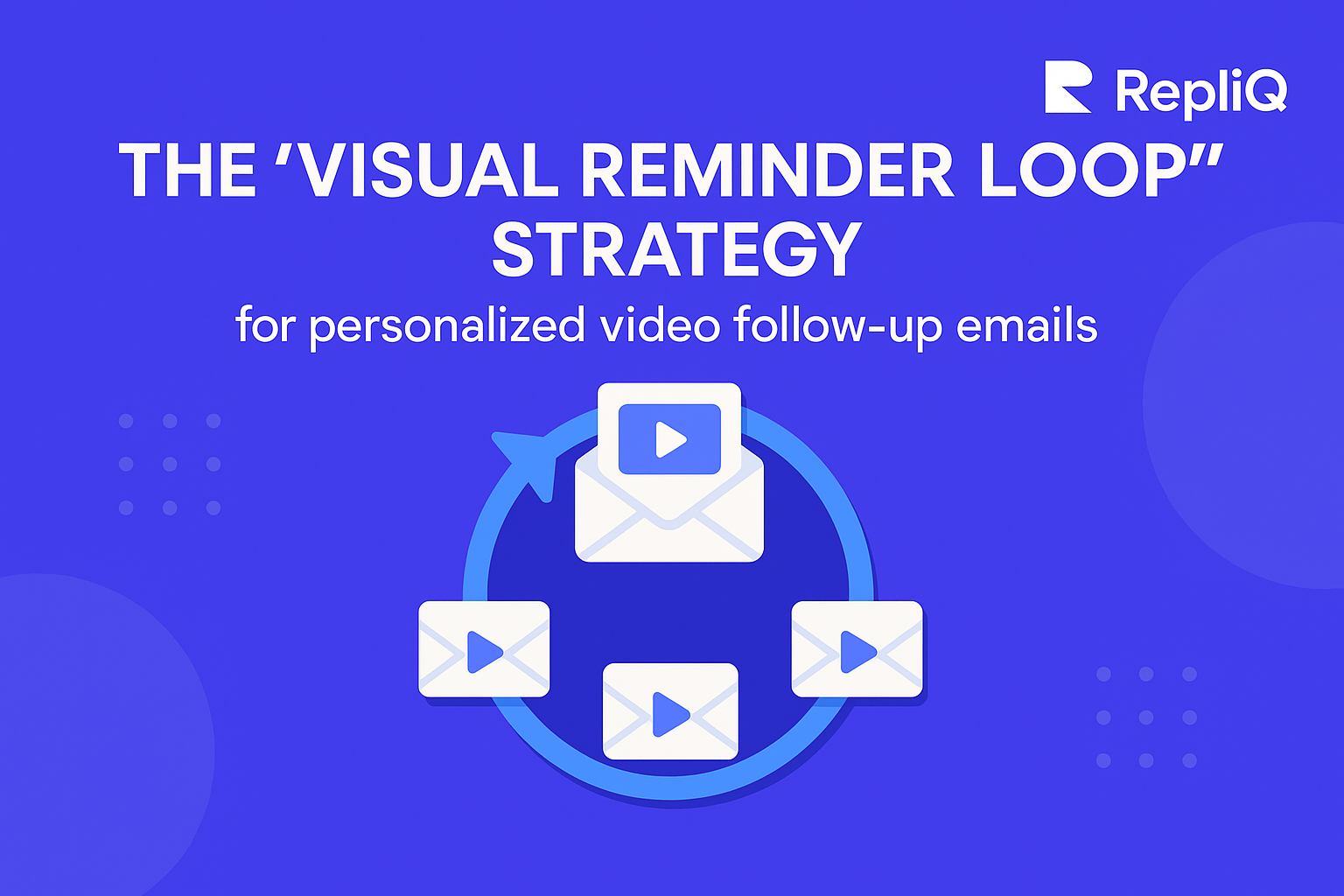
Follow-Up Visuals: The Visual Reminder Loop for Better Reminder Outreach
If you have ever sent a cold email campaign, you know the frustration: you craft the perfect pitch, hit send, and hear nothing but crickets. You send a follow-up, but plain-text follow-ups often blend into crowded inboxes, causing prospects to miss or completely forget your original outreach.
Many beginners understand the importance of following up, but they struggle to stay relevant without sounding repetitive, desperate, or pushy.
The solution is the Visual Reminder Loop—a simple, highly effective framework for making follow-ups more recognizable, relevant, and reply-friendly. By anchoring your messages with visual follow-up emails, you can refresh your prospect's memory in seconds.
In this article, we will cover exactly why follow-ups get ignored, how the Visual Reminder Loop framework works, which visual formats to use, and how to personalize at scale. We will also provide ready-to-use templates to get you started. Drawing on RepliQ’s tested experience with reminder visuals and AI-generated outreach assets, this guide will help you turn ignored messages into active conversations. Once you master this framework, you can explore more outreach education and examples on the RepliQ blog.
Why Follow-Up Emails Get Ignored
To fix a broken follow-up strategy, you first have to understand why follow-up emails get ignored in the first place. The main culprits are inbox clutter, low recognition of the original message, repetitive copy, and the sender's fear of sounding annoying.
Mainstream best practices from industry leaders like HubSpot, Mailshake, and Woodpecker consistently validate that while multiple touches matter, relevance always beats volume. Simply sending "Just bubbling this up" or "Did you see my last email?" on a rigid schedule is no longer enough. The issue is not always timing alone; many plain-text follow-ups get ignored because they do not quickly re-establish context.
When you contrast plain-text reminders with visually anchored reminders, the difference is clear. A visual helps the recipient instantly remember the first touch. Think about what prospects experience: they scan their inbox in seconds. If they experience follow-up email no response fatigue and do not remember your first email instantly, they are highly unlikely to reply.
The Real Problem Is Recognition, Not Just Frequency
Many follow-up emails fail simply because recipients do not immediately connect the reminder to the original message. In a sea of text, cognitive load is high.
A recognizable visual acts as an immediate memory trigger, drastically reducing the cognitive effort required to understand who you are and what you want. Reminder outreach works exponentially better when it restores context fast. For example, if your first email included a personalized image of the prospect's website, your follow-up can include a familiar thumbnail of that same image.
According to CDC guidance on using visual cues to emphasize a message, visual elements successfully improve message emphasis and recognition. When applied to prospecting reminders and email response optimization, these visual cues help your prospect instantly connect the dots between today's email and yesterday's pitch.
Why Beginners Often Sound Pushy in Follow-Ups
When beginners try to figure out how to follow up without sounding pushy, they often make the mistake of writing long reminders, making too many asks, or fully repeating their original copy. This makes cold email follow-ups feel heavier and more demanding than necessary.
To improve your sales follow-up strategy, keep your follow-up copy incredibly short. Pair it with one visual cue and one clear Call to Action (CTA). Emphasize relevance and clarity over adding pressure. A simple visual combined with a single, low-friction question is far more effective than a wall of text demanding a meeting.
The Visual Reminder Loop Framework
The Visual Reminder Loop is a repeatable sequence where each follow-up includes a recognizable visual tied directly back to your first outreach.
This framework is highly beginner-friendly because it relies on lightweight personalization, short copy, and one clear next step. Instead of generic follow-up advice that relies purely on cadence, the Visual Reminder Loop focuses on message continuity, recognition, and visual reinforcement.
By aligning with tested reminder visuals and AI-generated image workflows, this framework ensures your outreach remains cohesive. Using tools like RepliQ AI Images is a practical way to create these recognizable reminder visuals without requiring heavy manual design work.
Step 1: Anchor the First Message With a Reusable Visual
The foundation of the visual reminder loop for sales follow-ups starts before the follow-up even happens. The first outreach must include or establish a visual element that can be referenced again later.
Examples of effective anchors include AI-generated outreach visuals, a company-context screenshot, or personalized video outreach with a custom thumbnail. The key here is continuity: the follow-up visuals you use later should feel like a continuation of the same conversation, not a brand-new pitch.
Step 2: Reuse the Visual in a Simpler Reminder
Your second touch should utilize a familiar visual paired with much shorter copy to refresh the prospect's memory.
Because the visual follow-up emails do the heavy lifting of restoring context, your text can stay lightweight. When deciding what should a follow-up message include for better replies, the answer is simple: one familiar image and one CTA. Use low-friction questions like, “Worth a quick look?” or “Open to seeing an example?”
Step 3: Evolve the Visual Across Follow-Ups Without Losing Recognition
As you move deeper into your sales follow-up strategy, you can vary the format slightly to keep things fresh. You might start with a static image, move to thumbnail reminders, and eventually use a LinkedIn-friendly asset for multichannel follow-up.
However, you must maintain the same core context. Do not change the visual so much that the recognition benefit disappears. Repetition works best when it feels deliberate, not duplicated. This approach naturally helps answer the common question of how many follow-ups should you send before stopping, as the loop naturally concludes once the visual variations have run their course.
Step 4: Keep the Loop Focused on One Outcome
Every step in the Visual Reminder Loop should ask for one small next step. Do not introduce new offers, attach multiple PDFs, or include a dozen links.
The visual supports recognition; the CTA supports action. To ensure email response optimization and reply rate improvement, stick to this beginner checklist:
- Familiar visual cue.
- Short, conversational copy.
- One single ask.
- Relevant cold email follow up timing.
Choosing the Right Visual: Image, GIF, or Video Thumbnail
Deciding on the best visual for reminder outreach—image, GIF, or video thumbnail—depends on the goal of the reminder, not on novelty alone.
When creating visual follow-up emails, you must ensure the format matches the message. As noted in CDC visual communication best practices, visuals should reinforce the message, not just decorate it. Furthermore, NN/g research on marketing email and newsletter design highlights how imagery and layout directly impact attention and conversion in email contexts.
Here is a practical comparison to help you choose:
| Visual Type | Best Use Case | Effort Level | Personalization Potential | Risks |
|---|---|---|---|---|
| Static Image | Instant recognition, simple context | Low | High (Name, Company, Website) | Can be ignored if irrelevant |
| GIF | Demonstrating a quick process or motion | Medium | Medium | Can trigger spam filters if too large |
| Video Thumbnail | High-value prospects, human connection | High | High (Custom video per prospect) | High effort if not automated |
When a Static Image Works Best
Static images are usually the easiest starting point for beginners using follow-up visuals. They are perfect for simple prospecting reminders where the goal is instant recognition, not deep explanation.
Use cases for AI-generated outreach visuals include company-specific references, personalized name/company graphics, or screenshot-style context that proves you have done your research.
When to Use a GIF
GIFs can be highly effective in GIF reminder outreach when motion adds clarity or demonstrates continuity. However, they must remain simple.
Avoid the risks of overusing visual elements in outreach by never using GIFs just to attract attention if they do not add meaning. Overuse can hurt clarity and make your visual follow-up emails feel gimmicky. This aligns with peer-reviewed research on what makes GIFs understandable, which emphasizes that clarity, repetition, and context are vital for comprehension.
When a Video Thumbnail Is the Better Choice
Personalized video outreach and a strong video email thumbnail strategy are the better choices when human presence, tone, or complex explanations matter most.
Thumbnail reminders are highly recommended for warmer prospects, higher-value target accounts, or multichannel sequences. Even if the video is not immediately watched, the personalized thumbnail itself functions as a powerful reminder cue.
Common Mistakes With Visual Follow-Ups
There are several avoidable issues that can ruin visual follow-up emails. The most common mistakes include visuals that add no context, overly complex designs, an unclear CTA, inconsistent branding, or fake-looking sales prospecting personalization.
Authenticity and relevance always matter more than flashy execution. Before sending, ask yourself: Does this visual remind them of my first email, and does it make my CTA clearer? If the answer is no, refine it to avoid the risks of overusing visual elements in outreach.
How to Personalize Follow-Up Visuals at Scale
The biggest objection beginners have to this strategy is the belief that personalization is too time-consuming. However, you can achieve lightweight personalization that feels highly relevant without creating every asset manually from scratch.
Personalizing at scale means using repeatable inputs, reusable templates, and fast customization. This is where RepliQ AI Images serves as the natural product bridge, allowing you to generate personalized reminder visuals efficiently. Meaningful personalization is about context, not just generic token changes.
Start With Lightweight Personalization
When exploring how to personalize follow-up visuals at scale, start with easy but relevant variables. Use the prospect's name, their company name, company page context, or specific LinkedIn reference points.
The goal of AI-generated outreach visuals in reminder outreach is familiarity and relevance, not maximum, hyper-customized design. Beginners should prioritize repeatable personalization layers first to ensure their sales prospecting personalization is sustainable.
Build a Repeatable Visual Workflow
To learn how to create personalized reminder images for email follow-ups, you need a simple, operational workflow. Follow these steps to build your visual reminder loop for sales follow-ups:
- Choose a template: Select a clean, simple visual layout.
- Add prospect context: Inject the lightweight variables (name, website screenshot).
- Match it to the original message: Ensure the colors, tone, and context align with touch one.
- Send with short reminder copy: Pair the visual with a single CTA.
By standardizing follow-up visuals across a sequence, a team can scale their outreach without losing relevance.
Make Visuals Useful, Clear, and Accessible
Visuals should communicate something meaningful, not just decorate the email. This means prioritizing accessible outreach visuals and sound visual communication.
Ensure you include practical accessibility basics, such as descriptive alt text, and avoid placing important text only inside images. According to the W3C tutorial on accessible and informative images, informative visuals must have appropriate text alternatives so that all users—and email clients—can understand the context. Usability and trust are paramount in email design.
Templates, Timing, and Multichannel Follow-Up Examples
To turn this strategy into immediate action, you need concrete examples. The best reminder outreach relies on precise cold email follow up timing and a logical flow. The Visual Reminder Loop can easily extend beyond email into multichannel follow-up, proving its superiority over plain-text approaches.
A Simple 3-Touch Visual Reminder Sequence
Here is a beginner-friendly flow for a visual reminder loop for sales follow-ups:
- Touch 1 (Day 1): Original outreach with context. Introduce the core value proposition alongside a personalized image.
- Touch 2 (Day 4): Short reminder with a familiar image. Reuse the visual cue with a one-sentence CTA.
- Touch 3 (Day 9): Personalized thumbnail or multichannel bump. Evolve the visual slightly, perhaps moving to LinkedIn to reference the email.
This sequence dictates exactly how many follow-ups should you send before stopping. If there is no response after the third visual touch, it is usually best to pause cold email follow-ups for that prospect.
Example Templates for Reminder Outreach
Here are short follow up email examples to adapt for your visual follow-up emails:
Template 1: Image-Based Follow-Up
Hi [Name],
Just bringing this back to the top of your inbox.
[Insert Familiar Personalized Image]
Is [Pain Point] still a priority for [Company] this quarter?
Template 2: Video Thumbnail Follow-Up
Hi [Name],
I made a quick 30-second breakdown of how we can help [Company].
[Insert Personalized Video Thumbnail]
Worth a quick watch?
Template 3: LinkedIn + Email Reminder Combo
Hi [Name], I just sent over a quick visual idea to your email regarding [Topic]. Let me know if you’d prefer to chat about it here on LinkedIn!
Keep your personalized video outreach and image templates brief, natural, and centered on one CTA.
Plain-Text vs Visual Follow-Ups: When Each Works
Do visual reminders improve follow-up response rates? Yes, when recognition and salience are the main challenges.
Plain-text follow-ups get ignored when prospects forget who you are. Visuals are incredibly effective at restoring context. However, plain text may still be enough for highly warm inbound leads who are already expecting your message. Do not treat visuals as mandatory for every single step; use them strategically for email response optimization where context restoration is needed most.
What to Track in a Visual Follow-Up Campaign
When evaluating what metrics should you track for visual follow-up campaigns, start with the basics. Track reply rate, positive reply rate, click-throughs (if using video links), and response by touchpoint.
If you are experiencing low reply rates on follow-ups, evaluate your performance by audience targeting and message quality, not just the visuals. For true email response optimization, run side-by-side A/B tests between text-only reminders and visual reminders to see exactly how your audience responds.
Best Practices and Expert Tips for Using Follow-Up Visuals Well
To succeed with follow-up visuals, prioritize relevance over novelty, clarity over design complexity, and consistency over random creativity in your reminder outreach.
Keep your reminder visuals tied directly to the original message so the loop feels intentional. Avoid the risks of overusing visual elements in outreach by ensuring you do not rely on images to compensate for weak copy or poor timing.
Before You Send Checklist:
- Is the visual legally compliant and using publicly accessible data?
- Does the visual directly reference the first email?
- Is the copy under 50 words?
- Is there only one Call to Action?
- Does the image include descriptive alt text?
Conclusion
Follow-up visuals work best when they help prospects quickly recognize, remember, and act on your original outreach. The core of the visual reminder loop is simple: pair a recognizable asset with short reminder copy and one CTA, then repeat it across a simple sequence.
Beginners should start small. Choose one visual format—like AI-generated outreach visuals—and test it against a plain-text follow-up. By reducing cognitive load and instantly restoring context, you will start seeing more positive replies. Explore RepliQ’s tools and resources today to start creating personalized outreach visuals and mastering your reminder outreach.
FAQ
What are follow-up visuals in outreach?
Follow-up visuals are images, GIFs, or video thumbnails used in reminder outreach to help recipients instantly recognize and reconnect with an earlier message. These visual follow-up emails should support the context of the conversation, not replace the core message entirely.
Do visual reminders improve follow-up response rates?
Visual reminders can improve recognition and relevance, which often helps improve email response optimization and response rates when paired with strong targeting, proper timing, and concise copy. Do visual reminders improve follow-up response rates on their own? No—they must be part of a cohesive strategy.
When should you send reminder outreach after the first email?
When determining when should you send reminder outreach after the first email, focus on consistency rather than rigid rules. A common beginner baseline is waiting 2 to 3 days after the first touch. Your cold email follow up timing should always align with your specific audience's habits, the urgency of your offer, and the channel you are using.
What kind of visual works best in reminder outreach: image, GIF, or video thumbnail?
The best visual for reminder outreach image gif or video thumbnail depends on your goal. Use static images for simple, instant recognition. Use GIFs for lightweight motion that adds meaning. Use video thumbnails for personalized video outreach when human connection and high-context explanations are required.
How do visual reminders fit into cold email and LinkedIn workflows?
When looking at how visual reminders fit into cold email and linkedin workflows, the key is continuity. The exact same visual cue used in an email can be resized and reused in a LinkedIn direct message to strengthen recognition. This multichannel follow-up approach ensures your prospect instantly remembers your value proposition, regardless of where they open your message.

.svg)
.png)


.svg)